
Nagad Customer Care Jessore: Helpline and Official Service Locator
Verified support guide Nagad Customer Care Jessore: Official Support Options Nagad Customer Care Jessore users can contact the official Nagad
Need to replace a SIM, report a mobile wallet transaction or repair a phone in Jessore? Choose your provider below to find its Jashore service guide, published contact details and what to confirm before visiting.
For a lost SIM, replacement or an ownership change, ask the operator which service point handles your request. Check whether the registered owner must attend and which documents to bring.
For a failed transfer, account access problem or suspected fraud, start with the provider’s official support channel. Keep the transaction ID, amount and date ready if the issue involves a payment. Ask whether the complaint can be handled remotely or needs a customer care visit.
Keep your PIN and one-time password private. Read bKash’s official fraud guidance.
Call with the exact model and product type. Confirm that the centre accepts it for repair and ask whether you need a purchase receipt or warranty card. If the device still works, back up your data before handing it over.
Ask your operator to confirm which Jessore service point can replace your SIM, who must attend and what proof of ownership is required.
For an account lock, disputed transaction or suspected fraud, contact official support first. It can tell you how to report the issue and whether you need to visit a customer care point.
Use the manufacturer’s service locator or contact support with the model number and product type. Ask the centre about warranty assessment and any inspection fee before leaving the device.
Verified support guide Nagad Customer Care Jessore: Official Support Options Nagad Customer Care Jessore users can contact the official Nagad
bKash Customer Care Jessore provides in-person assistance for account, PIN, identity-verification, transaction and complaint-related issues. The official bKash contact directory
Symphony Customer Care Jessore provides authorized after-sales assistance for Symphony smartphones and feature phones. Symphony’s current customer-care directory lists its
Looking for Samsung Customer Care Jessore? Samsung Bangladesh’s current service-center locator lists Excel Jashore at Liberty Tower on Hatkhola Road.
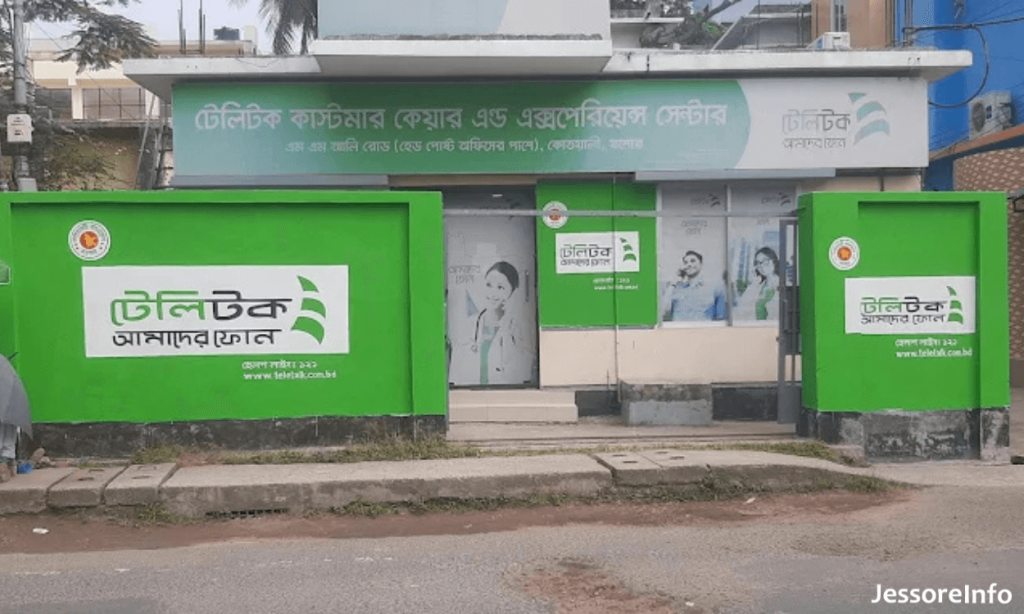
Teletalk Customer Care Jessore provides in-person assistance for SIM, account, biometric registration and other Teletalk-related issues. The currently listed customer
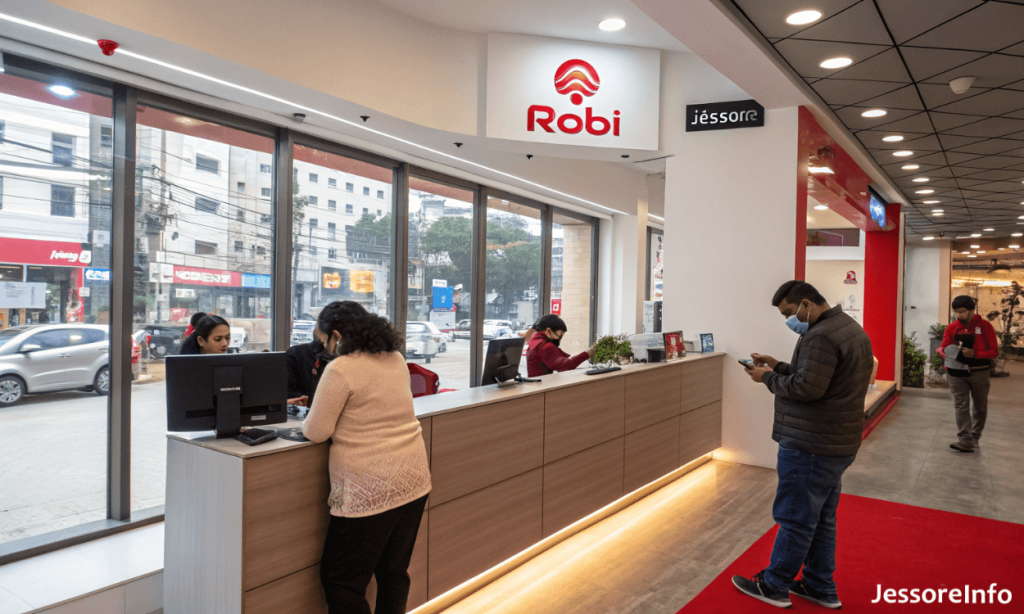
Robi Customer Care Jessore: Address and Contact Details Robi customer care in Jessore is available through the Jashore Robi Sheba
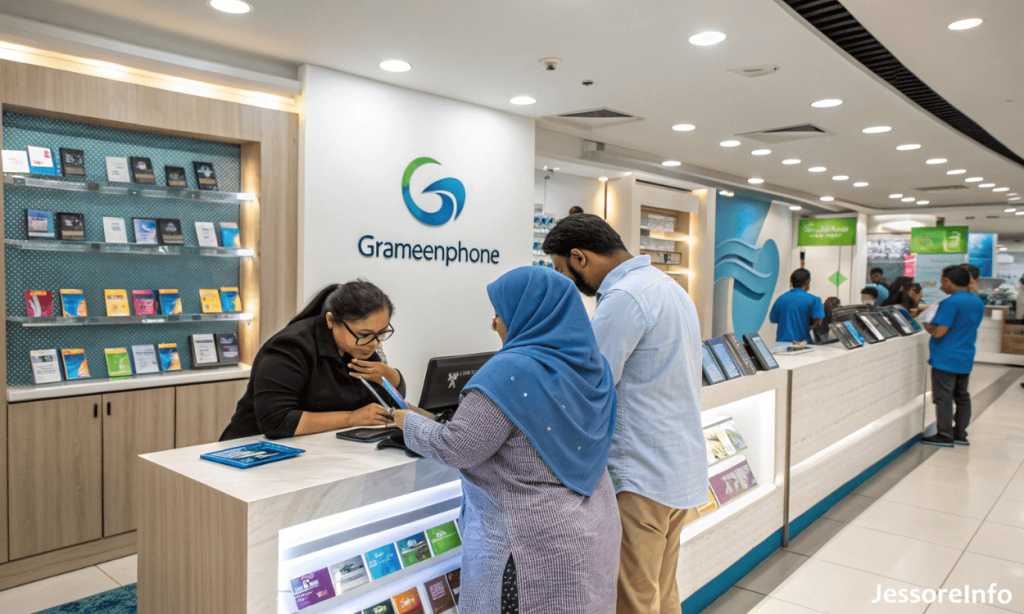
Quick answer: For Grameenphone customer support in Jessore, dial 121 from a GP number. You can also use Grameenphone live
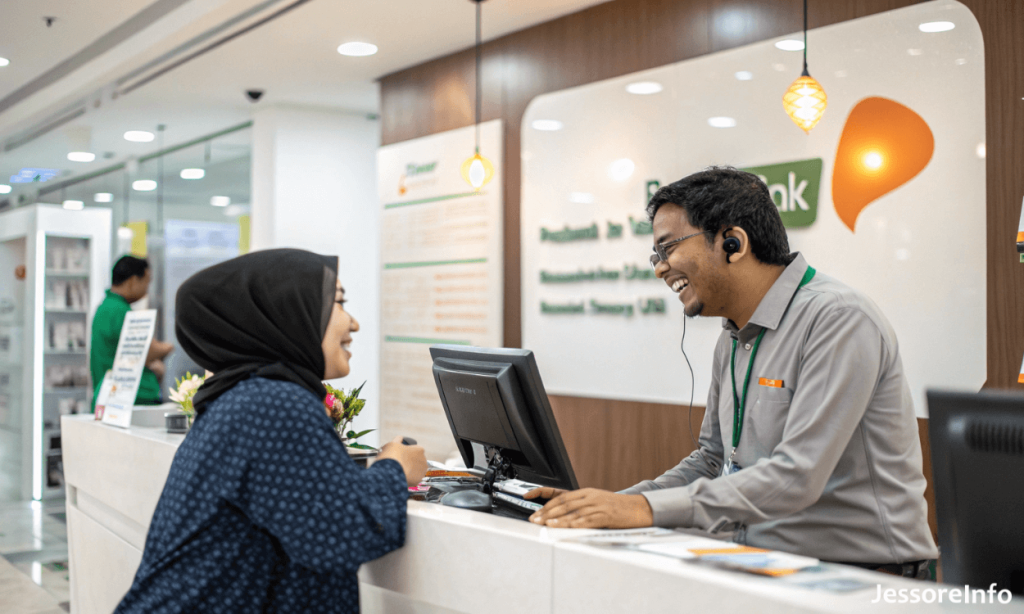
Looking for Banglalink Customer Care Jessore? The official Banglalink Store Finder currently lists a full-service customer-care center on M K