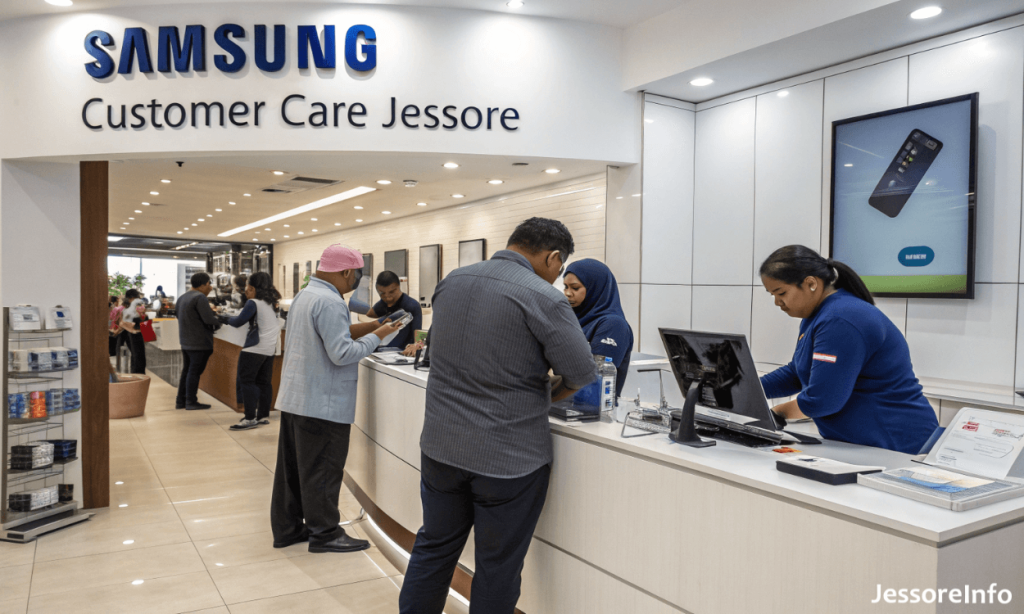
Looking for Samsung Customer Care Jessore? Samsung Bangladesh’s current service-center locator lists Excel Jashore at Liberty Tower on Hatkhola Road. This page provides the verified address, phone number, listed opening hours, supported product categories, map link and practical guidance for requesting a repair.
Quick information: The current official locator lists Excel Jashore at Liberty Tower, Level 04, Hatkhola Road. Call the center before visiting to confirm its operating day, parts availability and whether it can repair your particular product.
Call Excel Jashore Open Official Service Locator
Samsung Customer Care Jessore Details
| Official listing name | Excel Jashore |
|---|---|
| Address | Liberty Tower, Level 04, Hatkhola Road, Jashore Sadar, Jashore-7400 |
| Service-center phone | 09606-888000 |
| Listed operating hours | 11:00 AM–8:00 PM |
| Samsung toll-free helpline | 08000-300300 |
| Samsung paid helpline | 09612-300300 |
| Postal code | 7400 |
Open Excel Jashore’s official coordinates in Google Maps
The map link uses the coordinates currently returned by Samsung’s official service-center locator. Contact the center before travelling if you need directions to the Liberty Tower entrance.
Products Listed for Excel Jashore
The official service-center result associates Excel Jashore with the following product categories:
- Smartphones
- Feature phones
- Tablets
- Televisions
- Soundbars and SoundTowers
- Refrigerators
- Washing machines
- Air and shoe dressers
- Cooking appliances
- Vacuum cleaners
- Air conditioners
A listed category does not guarantee that every model, problem or replacement part can be handled immediately. Call 09606-888000 and provide the exact model number and problem description before visiting.
What to Take to the Service Center
Preparing the necessary information can make the initial inspection easier. Take the following items when applicable:
- The Samsung product requiring inspection
- Purchase invoice or receipt
- Warranty card or digital proof of purchase
- Model number and serial number
- IMEI number for a phone or cellular tablet
- Relevant accessories if they may be connected to the problem
- Previous repair documents or job-sheet number
- A description of when and how the problem started
Do not hand over unrelated accessories unless the service-center representative requests them. Ask for a written job sheet or service reference after submitting a product.
Before Submitting a Samsung Phone or Tablet
- Back up important photographs, contacts, messages and documents.
- Remove the SIM card and memory card unless the technician specifically needs them for testing.
- Record the device’s IMEI or serial number.
- Sign out of sensitive accounts when appropriate.
- Use Samsung Maintenance Mode if the supported device and repair process allow it.
- Do not share banking PINs, account passwords or other unnecessary credentials.
- Photograph the physical condition of the device before submission.
Some testing procedures may require access to device functions. Ask the service-center representative what access is needed and why before providing it.
Warranty and Repair Charges
Warranty coverage depends on the product, purchase date, warranty terms, proof of purchase and the cause of the problem. Physical damage, liquid damage, unauthorized repair or excluded parts may not be covered even when the product is within its general warranty period.
Before approving a paid repair:
- Ask whether diagnosis or inspection carries a charge.
- Request a written estimate.
- Confirm whether parts and labour are included.
- Ask whether the replaced part will have a separate service warranty.
- Confirm the estimated completion process without treating it as a guaranteed deadline.
- Keep all receipts and repair documents.
You can review Samsung’s official warranty information and out-of-warranty repair guidance before approving a repair.
How to Track a Samsung Repair
If the service center provides a repair reference or job number, use Samsung’s official repair-tracking page where supported. Keep the submission receipt because tracking or support may require information printed on it.
If online tracking does not return a result, contact Excel Jashore or Samsung’s national helpline with the job-sheet details.
Samsung Bangladesh Support Options
- Excel Jashore: 09606-888000
- Local toll-free helpline: 08000-300300
- Paid helpline: 09612-300300
- Helpline hours: 8:00 AM–8:00 PM, Saturday–Thursday
- Service-center locator: Find a Samsung Service Center
- Email support: Contact Samsung by email
- Contact page: Samsung Bangladesh Contact
Important Questions to Ask Before Visiting
- Does this center handle my exact product category and model?
- Is an appointment or prior registration required?
- What documents are required for a warranty claim?
- Is the required part currently available?
- Is there an inspection or diagnosis fee?
- What should I bring with the product?
- On which days is the center currently open?
Frequently Asked Questions
Where is Samsung Customer Care in Jessore?
The current official locator lists Excel Jashore at Liberty Tower, Level 04, Hatkhola Road, Jashore Sadar, Jashore-7400.
What is the Samsung service-center phone number in Jessore?
The listed phone number for Excel Jashore is 09606-888000.
What are the opening hours?
The official locator currently displays 11:00 AM–8:00 PM. It does not clearly specify a weekly holiday in the location result, so call before visiting.
Does the Jessore center repair Samsung phones?
Smartphones, feature phones and tablets are among the product categories associated with Excel Jashore. Confirm support for your exact model and fault before travelling.
Can I repair a Samsung television or appliance there?
The official listing includes televisions and several home-appliance categories. Large products may follow a different inspection or service process, so call the center first instead of transporting an appliance without confirmation.
Are all repairs covered by warranty?
No. Coverage depends on the applicable warranty terms, purchase date, documentation and cause of the fault. The service center must inspect the product and confirm eligibility.
Should I back up my phone before repair?
Yes. Back up important data and use Maintenance Mode if it is supported and appropriate. A repair process may involve resetting or replacing components, so data should never be assumed to be safe.
Are genuine Samsung parts used?
Samsung states that its authorized service points use genuine Samsung parts. Confirm that the location remains listed in the official locator and retain the repair documents provided to you.
Information note: Service-center listings, hours, repair eligibility, parts availability, charges and warranty decisions can change. Verify the current details with Excel Jashore or Samsung Bangladesh before travelling or submitting a product.